
Character
Make images with Seedream 5 Flash. Explore new compositions or edit a reference while keeping the workflow light.
Original outputs from this model. Open an image to look closer, or use its prompt as your starting point.
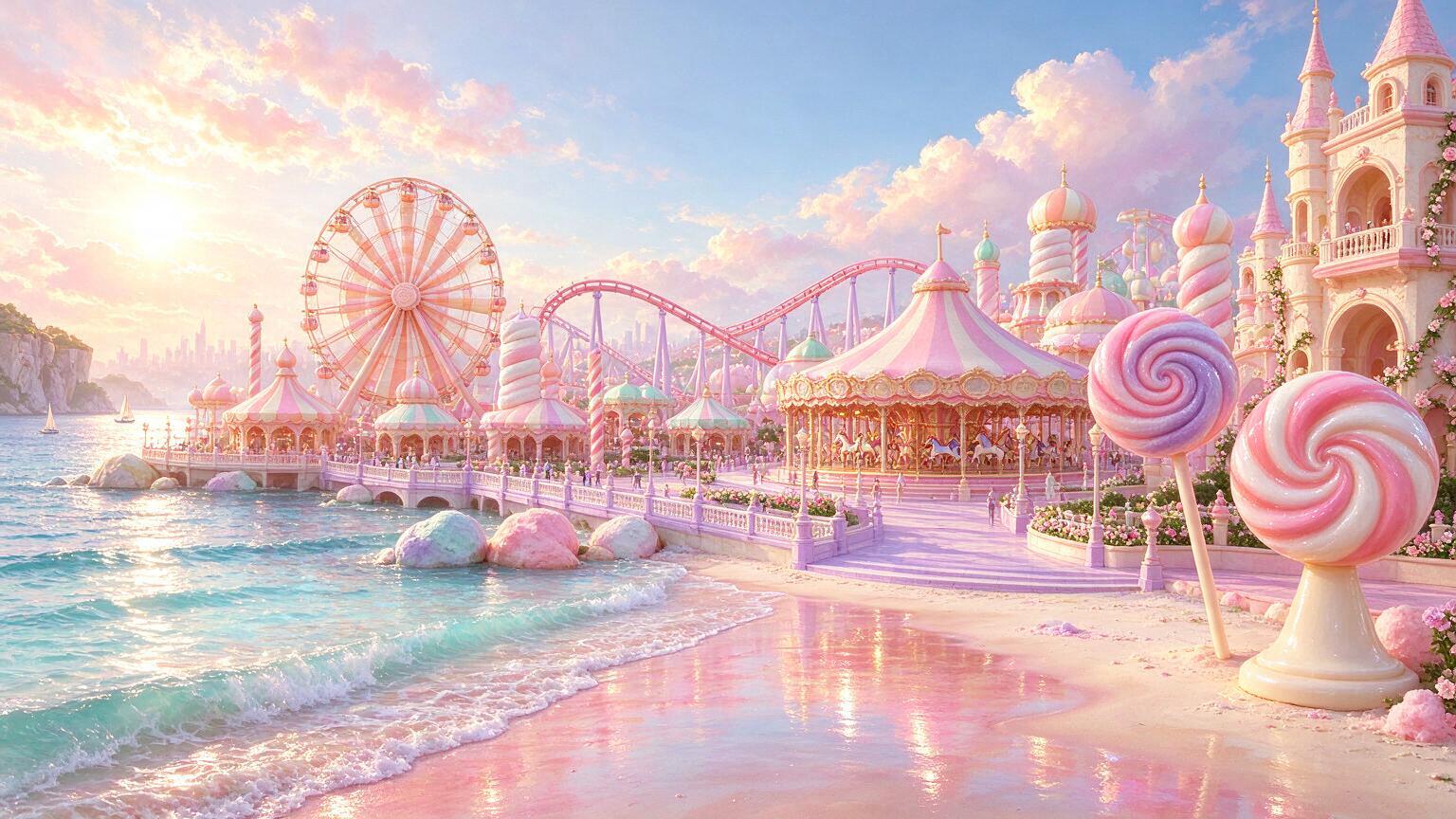
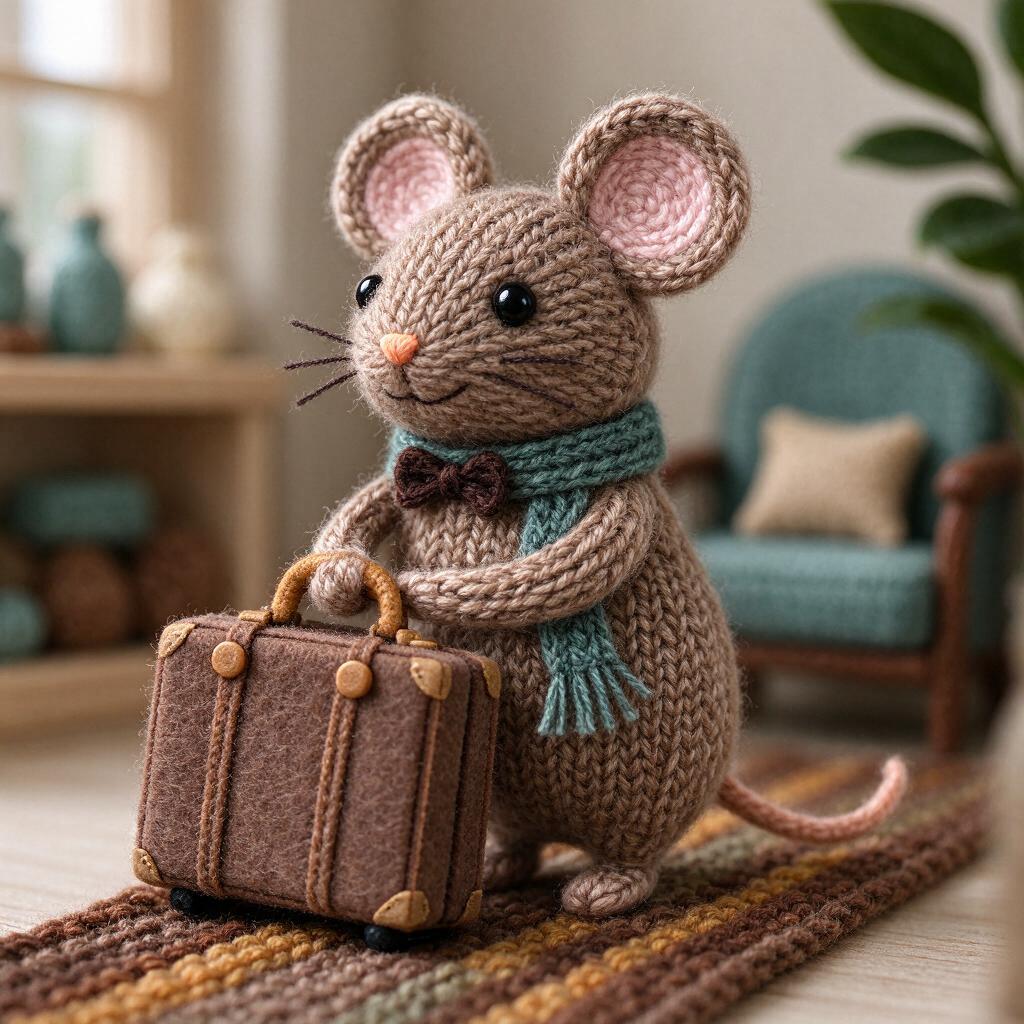
Seedream 5 Flash is the speed- and budget-oriented member of this family. Use it to test the overall direction of a visual: a product against a new color, a room in different light or a character in a new setting. It includes the same basic text-or-image starting choice on this page.
Draft a short brief that names the subject, frame and mood. Once you find a direction, expand the details that matter. Flash and Pro are separate versions; comparing them is more useful when you keep the prompt and framing the same.
A fuller brief for the moment when you know what you want. Copy it, or send it to the creator and make it your own.
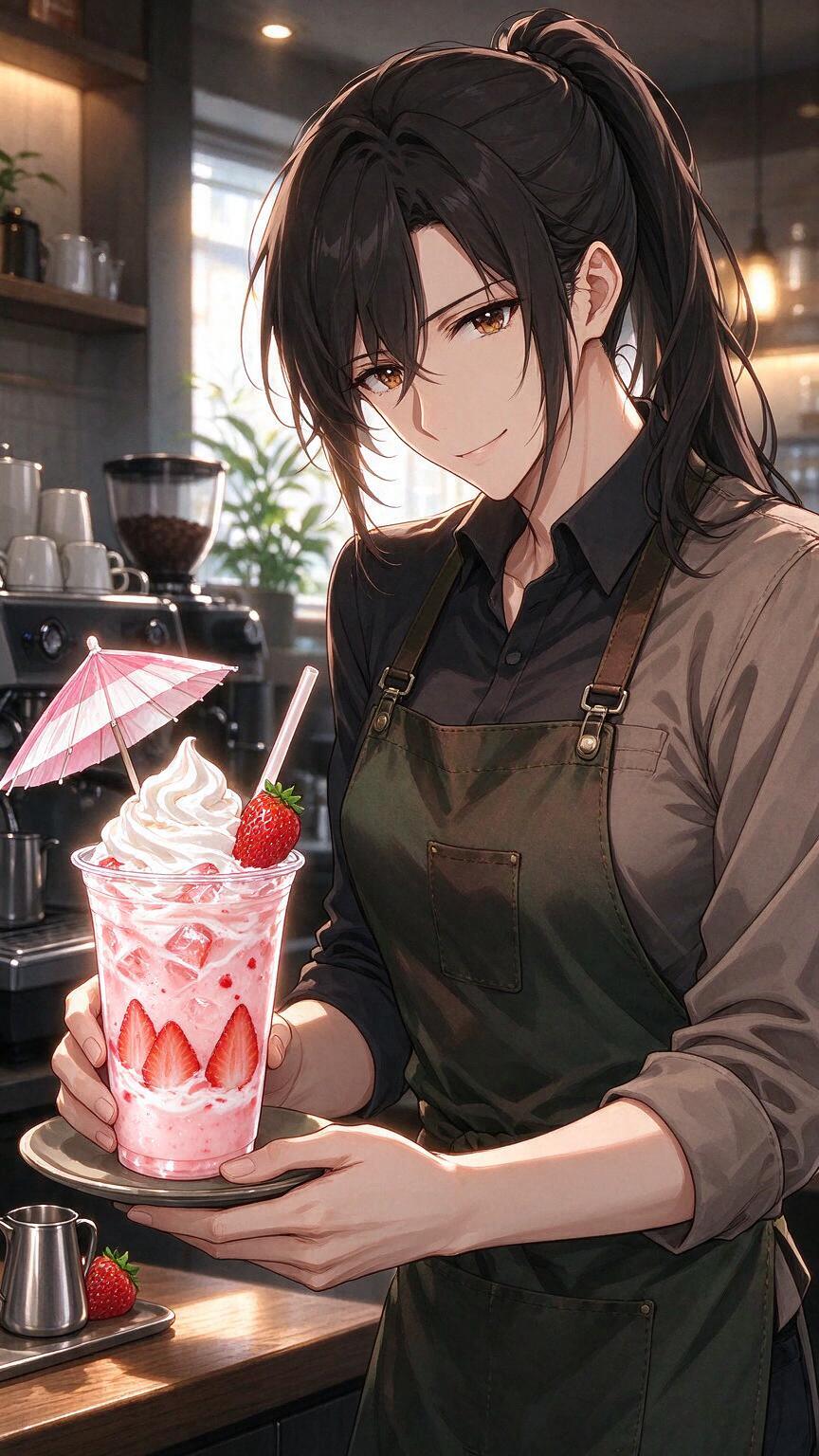
An anime barista serving a strawberry drink. Original anime character illustration, confident clean linework, expressive face, carefully layered clothing, restrained colors, clear silhouette, cinematic rim light. One character, no text.
Compose the figure with breathing room above the head and around the hands. Use one clear pose, a readable outline and a quieter background. Keep the face expressive without exaggerating the anatomy.
Let the clothing show a small amount of fabric texture. Use soft environmental light and a restrained highlight along the silhouette. The result should feel like a thoughtfully composed character study, not a collage of unrelated styles.
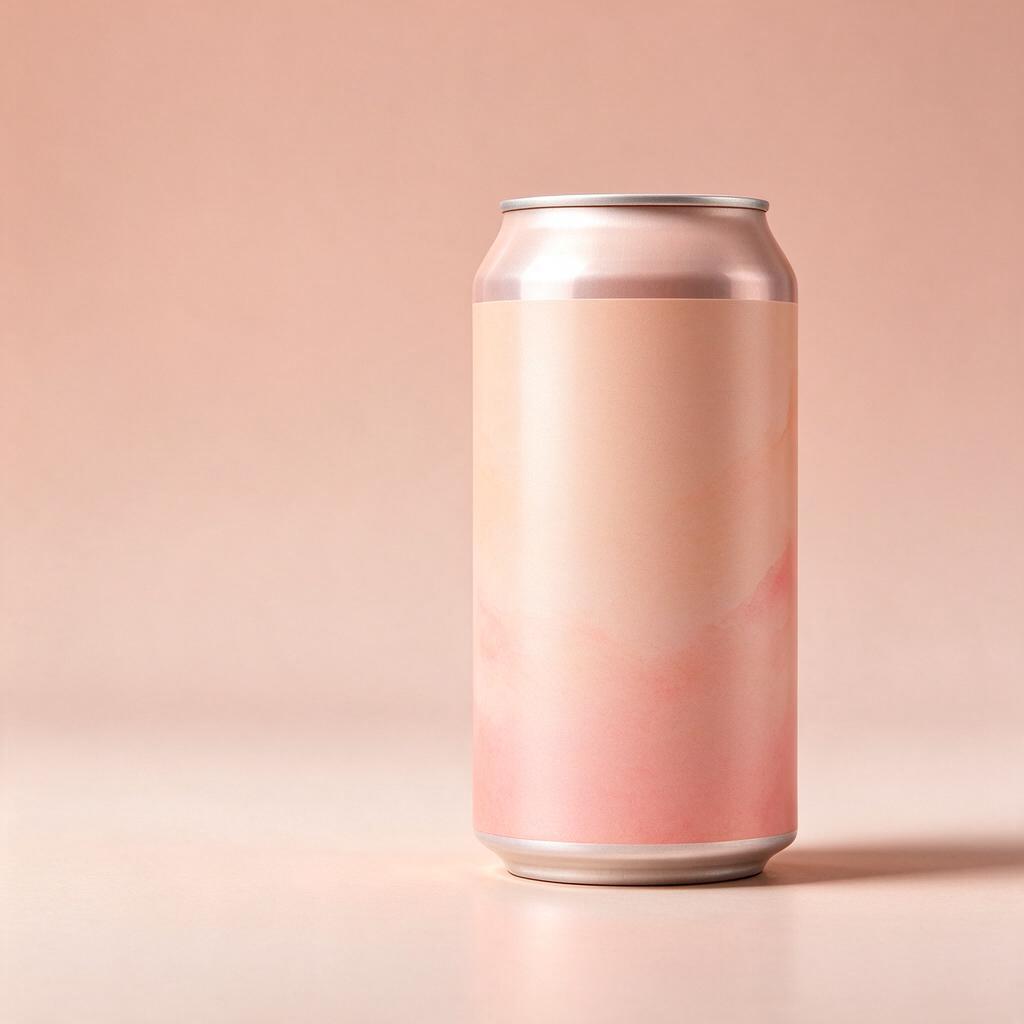
A peach soda can with an unmarked label. Premium product still life, precise material detail, soft studio key light, subtle contact shadow, generous negative space, realistic photography, no lettering or logos.
Place the object slightly below the center with ample empty space above it. Keep the material and geometry consistent. Add a soft contact shadow to ground the object, with no distracting props.
Use one broad key light and a subtle fill. Preserve believable reflections and fine surface texture. The composition should read clearly at thumbnail size while retaining detail when viewed larger.
Choose the frame for your Seedream 5 Flash image before filling in the details. Name the main subject and its position. A product centered on a table needs a different brief from a character standing near the edge of a landscape.
Describe the medium, palette and direction of light. Keep those choices compatible: a soft watercolor study and a glossy studio photograph are different assignments.
Check anatomy, object edges, lettering and the crop at full size. Change the instruction that caused the problem instead of appending a long list of unrelated adjectives.
| Starting point | Text prompt or one reference image |
|---|---|
| Framing | 16:9 / 9:16 / 1:1 |
| Resolution | Standard output |
| Output | One image per generation |
These are the options connected to this creator. The model may offer additional features in other products. The credit quote is shown before you confirm generation.
Seedream 5 Flash is the speed- and budget-oriented member of this family. Use it to test the overall direction of a visual: a product against a new color, a room in different light or a character in a new setting. It includes the same basic text-or-image starting choice on this page.
Yes. Upload one JPG, PNG or WebP image under 10 MB. Describe the revision and the features you want to preserve. This creator does not accept multiple reference images.
The available frames are 16:9 / 9:16 / 1:1. Use a vertical composition for a tall character or mobile visual, a wide frame for a scene, and a square frame for a compact composition. Set the frame before refining the prompt.
Draft a short brief that names the subject, frame and mood. Once you find a direction, expand the details that matter. Flash and Pro are separate versions; comparing them is more useful when you keep the prompt and framing the same.
Other ByteDance versions are listed below. Compare the input options and settings as well as the name; different versions can have different limits. Draft a short brief that names the subject, frame and mood. Once you find a direction, expand the details that matter. Flash and Pro are separate versions; comparing them is more useful when you keep the prompt and framing the same.
The finished image appears in Your creations below the generator, where you can preview and download it. Save a copy you want to keep. If a result is stored only on this device, the result panel labels it accordingly.
 Nano Banana 2Google↗
 GPT Image 2OpenAI↗
 FLUX.2 ProBlack Forest Labs↗
 Qwen Image 3Alibaba↗
 Ideogram 4.5Ideogram↗
 Grok Imagine Image 2xAI↗
Start with a clear idea. Shape the details as you go.
