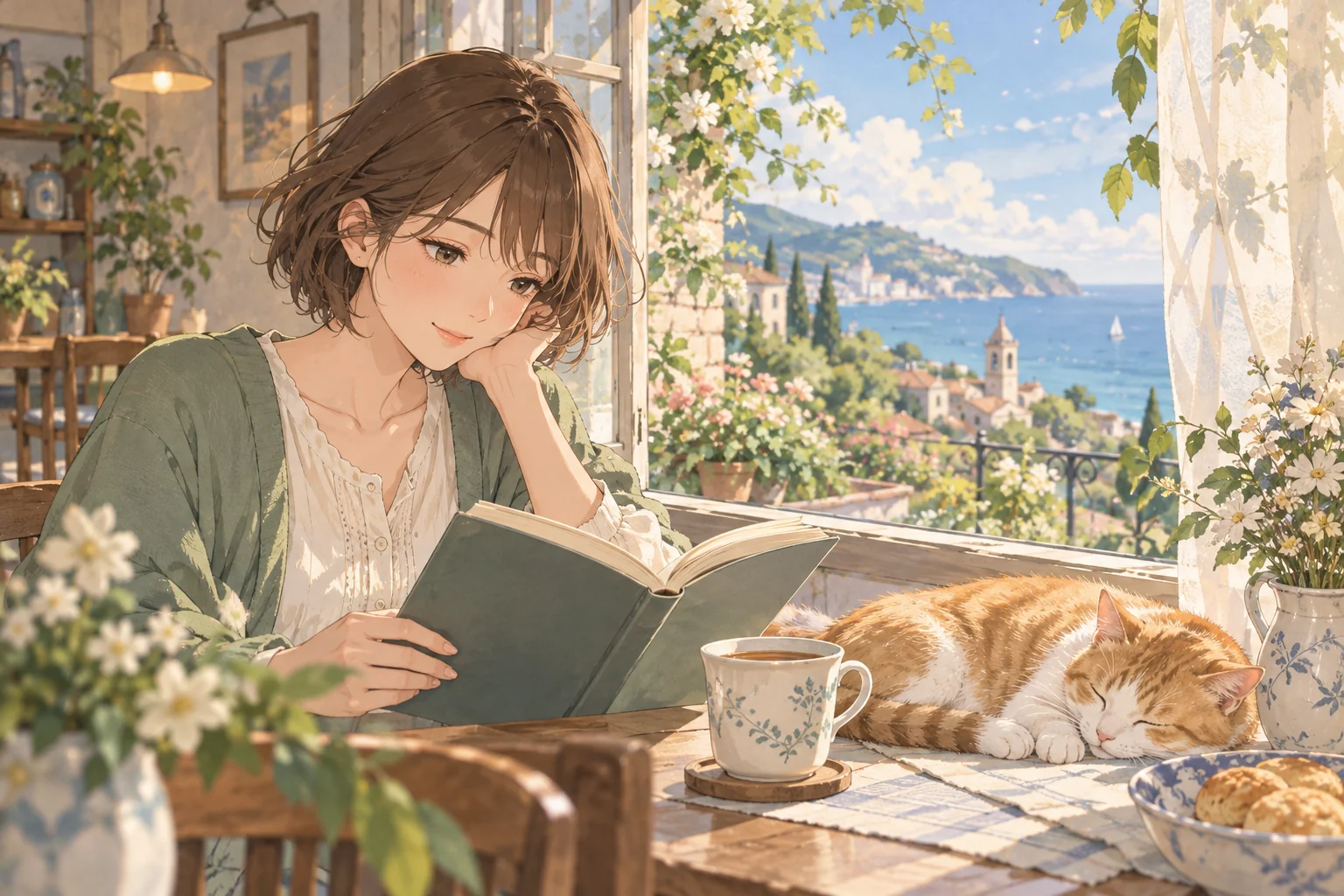
Imagine or reimagine
Describe a new idea or the photo you want to transform. For a photo, name the features and pose to preserve.

Give your imagination a little more character.
Build a tiny world, create an avatar, or give a photo a playful new look.
From a photo to an alter ego, or a new friend from imagination.
Describe a new idea or the photo you want to transform. For a photo, name the features and pose to preserve.
Choose anime, 2D cartoon, 3D cartoon, chibi, or comic illustration. Shape the silhouette, expression, palette, and setting.
Refine the concept and reusable prompt. Take the direction into character planning for a more consistent visual identity.
Need a hand?
support@maxsa.ai
Yes. Describe an original character, avatar, or scene. Reference photos are optional, so you can start entirely from your imagination.
Open Photo to Cartoon, upload a photo, and pick a style. Extra directions are optional. Select Generate to transform it. You can preview and download the result; the source image remains unchanged.
Yes. Describe your character or scene and choose Generate image. For a photo transformation, switch to Photo to Cartoon and add a reference. You can also plan the idea with the Agent first.
Check the task status and give a queued job time to finish before starting another generation. If it stays stuck, email support@maxsa.ai with the tool name, approximate time, task ID if available, and a screenshot of the error. Please do not send passwords, sign-in codes or API keys.
For account access, generation issues, billing questions or feedback, email support@maxsa.ai. Include the email used for your account and a short description of what happened. Our contact page explains which details help us investigate.