
Give your story a beginning and an ending
Describe the characters and what changes between the first panel and the last. A short encounter, surprise or gentle joke works well on one page.
A small story. A page of possibilities.
Turn your idea into a comic strip or manga page.
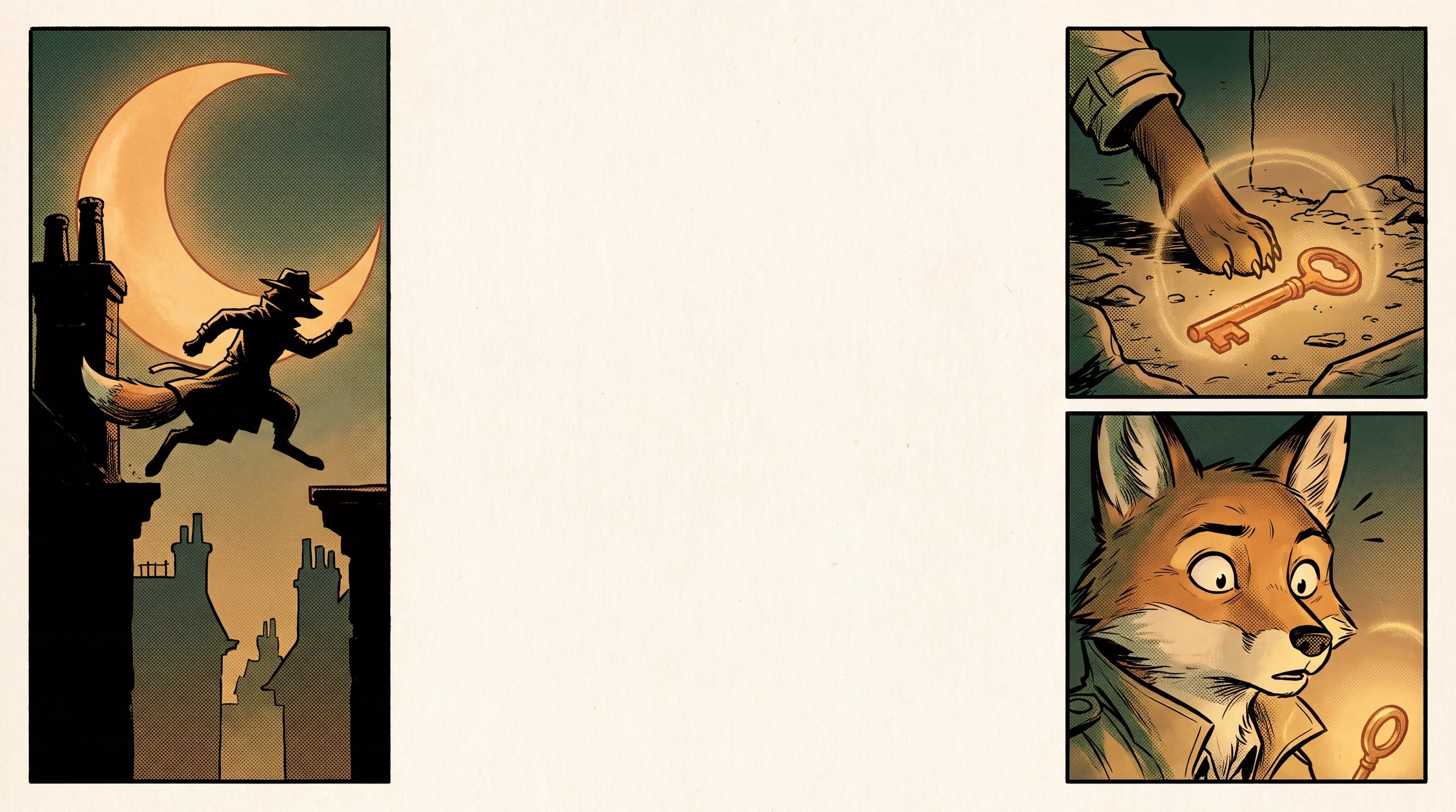
See a generated comic page and the prompt behind it. Make the characters and story your own.
Describe the characters and what changes between the first panel and the last. A short encounter, surprise or gentle joke works well on one page.
Pick 3, 4 or 6 panels and left-to-right or right-to-left reading. Select an art style and let actions and expressions carry the story.
Generate a single illustrated page, check the panel order and character details, and download the image. Refine the prompt to try a different version.
Set up a situation, introduce a small surprise and finish on a reaction. Three or four panels can carry a complete everyday moment.
Design your characterExplore ink, expressive reactions and a right-to-left reading flow. Specify a focal action in each panel to make the sequence easier to follow.
Plan a shot sequenceLet gestures and objects carry the narrative. A comic without dialogue is a useful way to focus on panel composition before adding lettering.
Create anime illustrationsMake the setting, characters and sequence your own.
Four-panel silent comic, left to right: an orange fox opens a tiny forest bakery; a rabbit arrives with one enormous carrot; the fox looks surprised; both share a carrot cake. Keep the same characters throughout, warm storybook colors, distinct panel borders, no lettering.
Yes. Choose a manga visual style and right-to-left reading for a manga-inspired page, or use left-to-right reading and a different style for a comic strip.
You receive one image containing the illustrated comic panels. It is not a layered comic document, separate editable panels or a complete comic book.
This workflow currently generates visual panels without speech bubbles or lettering. Download the page and add your dialogue in an image editor when you need precise text and placement.
Choose 3, 4 or 6 panels in the workspace. Keep each panel focused on one action so the image model has a clear sequence to interpret.
Repeat a concise description of the character’s hair, outfit and distinctive details. AI generation can vary between panels; exact continuity across pages is not guaranteed.
Use this tool for a page intended to be read: setup, action and payoff. Use Storyboard Generator to plan a filmed sequence with camera angles and shot changes.
Check the task status and give a queued job time to finish before starting another generation. If it stays stuck, email support@maxsa.ai with the tool name, approximate time, task ID if available, and a screenshot of the error. Please do not send passwords, sign-in codes or API keys.
For account access, generation issues, billing questions or feedback, email support@maxsa.ai. Include the email used for your account and a short description of what happened. Our contact page explains which details help us investigate.
Choose your characters, shape the panels and bring the moment to the page.
Create my comic