
Write the scene beats
Describe what happens in order. Start with the location, follow the action, and finish with the reaction or reveal.
See your story before you shoot it.
Turn scene beats into an illustrated shot sequence.
See a generated storyboard sheet, inspect its prompt, then explore ideas for your next sequence.
Describe what happens in order. Start with the location, follow the action, and finish with the reaction or reveal.
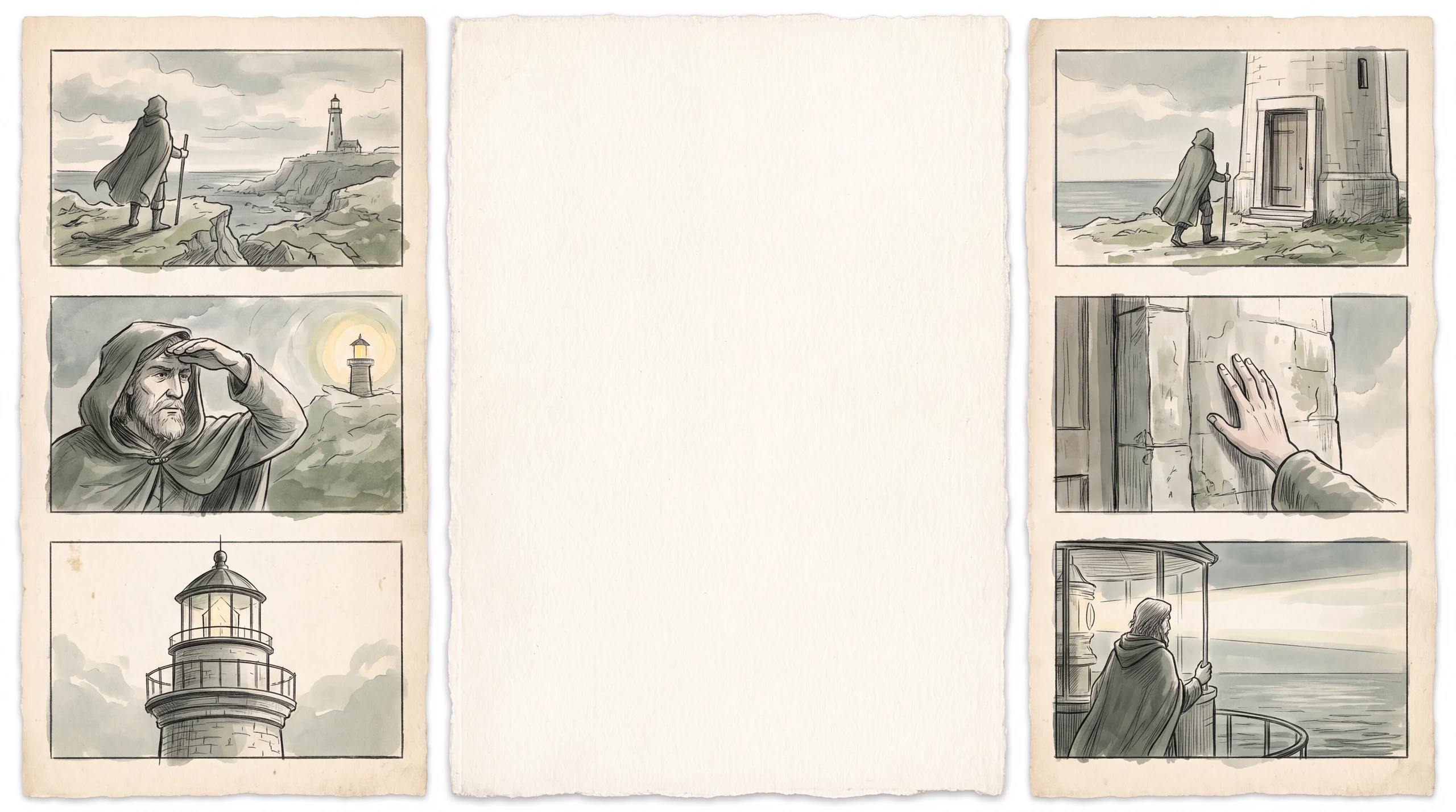
Choose 4, 6 or 8 panels and a pencil sketch, clean linework or color-keyframe finish. Add wide shots and close-ups to guide the sequence.
Create one image containing the panels, review the sequence and download the sheet. Refine your prompt to explore a different staging or camera angle.
Use a wide opening panel to show where the action takes place. A simple geography helps the following shots feel connected.
Create a comic pageGive each panel one clear beat. Alternate a wider view with a detail or reaction instead of repeating the same framing.
Turn a story into videoPencil sketches help explore staging. Clean linework clarifies silhouettes. Color keyframes let you explore the mood and lighting of a sequence.
Generate a video shotMake the setting, characters and sequence your own.
Four-panel anime storyboard: 1. Wide shot of a quiet seaside station. 2. Medium shot of a traveler finding a paper boat on the platform. 3. Close-up of a tiny note inside the boat. 4. Wide shot as the traveler looks toward the sea. Same green coat in every panel; clean linework, no dialogue.
Generate mode produces one illustrated image containing a sequence of storyboard panels. It is a visual planning sheet, not an editable timeline or a finished video.
Yes. Paste a short scene or describe its key beats. State the desired panel order, actions and camera framing. For a longer script, work scene by scene to keep each sheet readable.
The workspace offers 4, 6 and 8 panels. The image model interprets the requested layout; inspect the result and refine the prompt if a panel or action needs adjustment.
A storyboard plans shots, camera framing and action for a video. A comic is designed to be read as a finished page, with panel rhythm and a reading direction. Use the comic generator for that workflow.
Describe the same distinctive outfit and appearance throughout the prompt. Consistency can vary across panels and generations; review important details before using the sheet for production.
Agent can generate and assemble a video after you review its creation plan and total credit quote. A storyboard sheet is not automatically converted into individually editable video shots.
Check the task status and give a queued job time to finish before starting another generation. If it stays stuck, email support@maxsa.ai with the tool name, approximate time, task ID if available, and a screenshot of the error. Please do not send passwords, sign-in codes or API keys.
For account access, generation issues, billing questions or feedback, email support@maxsa.ai. Include the email used for your account and a short description of what happened. Our contact page explains which details help us investigate.
Give each shot a clear purpose. Turn your scene beats into an illustrated storyboard.
Create my storyboard