Describe your world
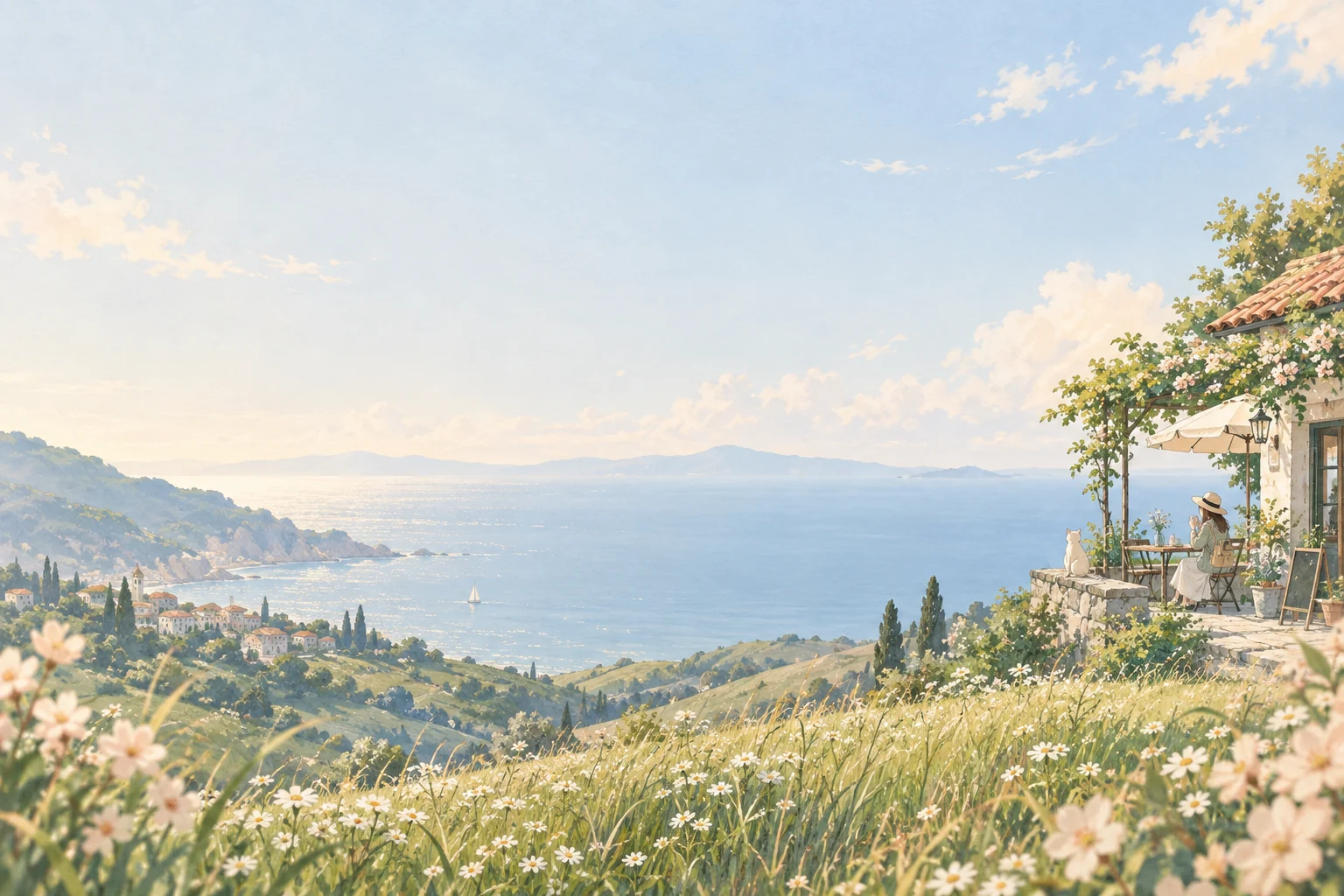
Start with a subject, a setting and a mood. A traveler at a seaside café is enough to begin; add the details that make the scene yours.
Your idea, drawn into an anime world.
Describe a scene, choose a style, and make it yours.
Explore anime scenes and borrow a prompt for your own illustration.
Start with a subject, a setting and a mood. A traveler at a seaside café is enough to begin; add the details that make the scene yours.
Select a visual style, image shape and model. Open more settings when you want to guide the composition or lighting.
Review the credits on the generate button, create your image and download it. You can also send a finished image to Animate an Image.
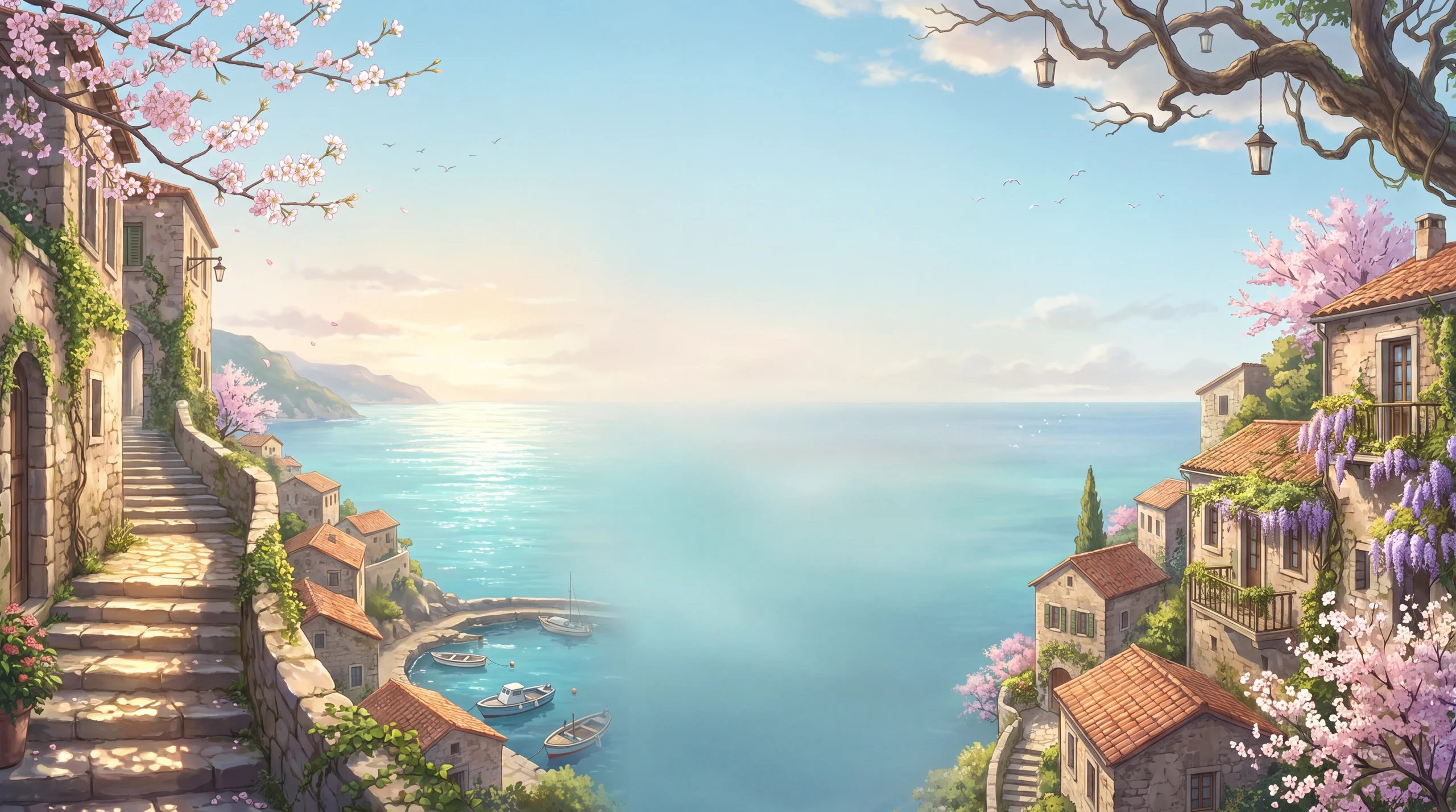
Build an establishing image around a place, season and time of day. Describe the light and a focal point so your background tells a story.
Create a characterDescribe an outfit, expression and pose in a setting. For a focused character sheet, move to the dedicated character tool.
Transform a photoCreate a clear subject and a simple composition before animating. A breeze, a blink or a slow camera move makes a useful first shot.
Animate your artworkMake the setting, characters and sequence your own.
An original anime illustration of a traveler sketching at a seaside café, a sleeping orange cat on the windowsill, soft afternoon light, leafy shadows, wide composition, no text.
It turns a written description into an anime-style image. Use it for original scenes, character illustrations, background art or visual ideas for a story.
Yes. This tool starts from text. Describe what you imagine; a reference photo is not required. To transform a real photo instead, use Photo to Cartoon.
Name the subject, setting, action and mood, then add one or two distinctive details. For example: a young traveler sketching at a seaside café, warm afternoon light, a sleeping cat beside the window.
Use Anime Character Generator for dedicated portrait, full-body, turnaround and expression options. This page is better suited to an individual illustration or scene.
Yes. Choose Animate this image on a completed image to use it as a video reference. Video generation is a separate task with its own credit quote.
Choose from the styles shown in the workspace and add visual details to your prompt. The selected model affects the interpretation, detail and credit cost.
Check the task status and give a queued job time to finish before starting another generation. If it stays stuck, email support@maxsa.ai with the tool name, approximate time, task ID if available, and a screenshot of the error. Please do not send passwords, sign-in codes or API keys.
For account access, generation issues, billing questions or feedback, email support@maxsa.ai. Include the email used for your account and a short description of what happened. Our contact page explains which details help us investigate.
Describe the anime scene you want to see. Choose a style and bring it to life.
Create anime art