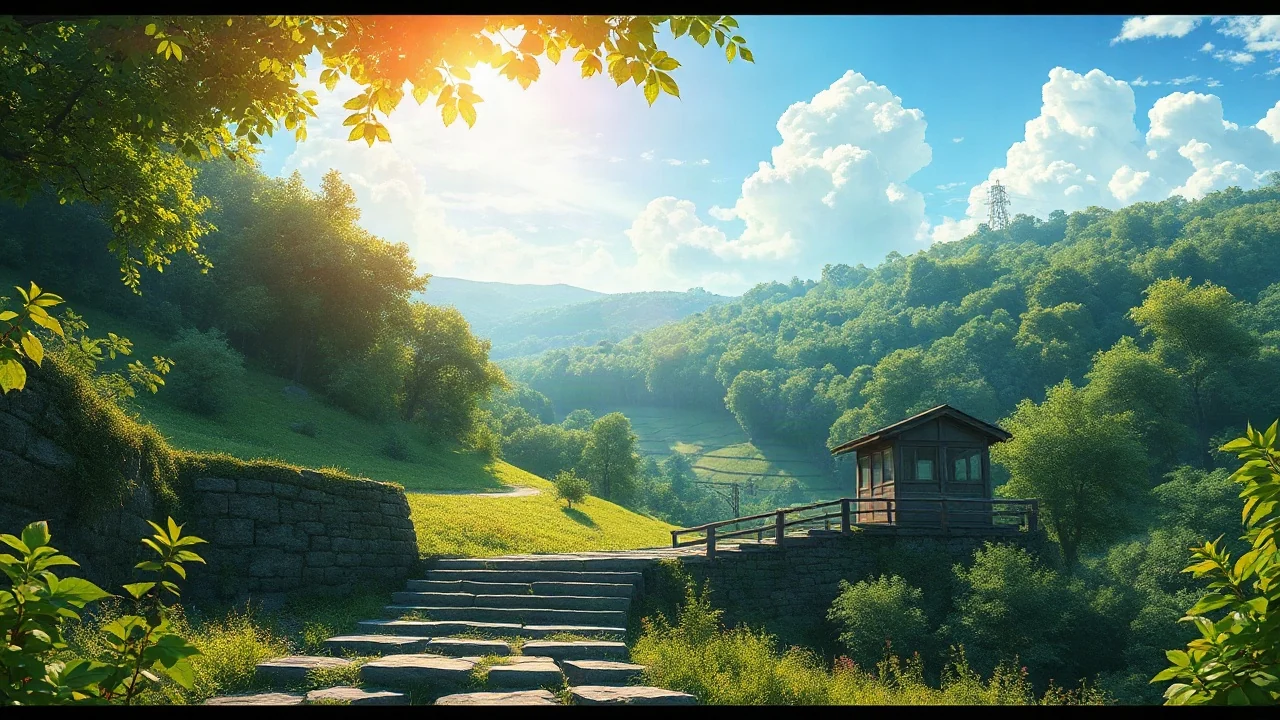
Set the scene
Describe a subject, a place, and one main action. A short, focused moment is a useful starting point.

An idea in words. A scene worth making.
Shape the action, light, and camera in one conversation.
Watch a clip or borrow a scene for your next video prompt.
Describe a subject, a place, and one main action. A short, focused moment is a useful starting point.
Choose a visual style, frame, and shot length. Add the camera movement and lighting you have in mind.
Generate a short silent clip directly, or develop a shot plan with the Agent before rendering.
Need a hand?
support@maxsa.ai
Text to Video focuses on one shot: a subject, an action, and camera direction. Story to Video helps plan characters, narration and connected scenes. You can generate each short silent scene individually; automatic film assembly is not included.
No. This general tool supports cinematic, photorealistic, product, documentary, anime, and 3D cartoon directions. Choose the look in Creative settings.
Yes. Generate creates a short silent 480p clip, ready to preview and download. Plan with Agent gives you a written shot direction first. Longer edits, narration, and synced audio are not included.
Check the task status and give a queued job time to finish before starting another generation. If it stays stuck, email support@maxsa.ai with the tool name, approximate time, task ID if available, and a screenshot of the error. Please do not send passwords, sign-in codes or API keys.
For account access, generation issues, billing questions or feedback, email support@maxsa.ai. Include the email used for your account and a short description of what happened. Our contact page explains which details help us investigate.