AI Anime Character Generator

A face, a favorite outfit, a story waiting to happen.
Create your own anime character from words or a reference image.

  1. 1 Choose your creation
  2. 2 Add an idea or image
  3. 3 Generate & download
A little idea can become a whole world.

Describe what you want to create. Style and other settings already have defaults.

0 / 4,000
Try an idea
Connecting

A face. A feeling.
A character of your own.

Explore a starting idea, then change the details to make it yours.

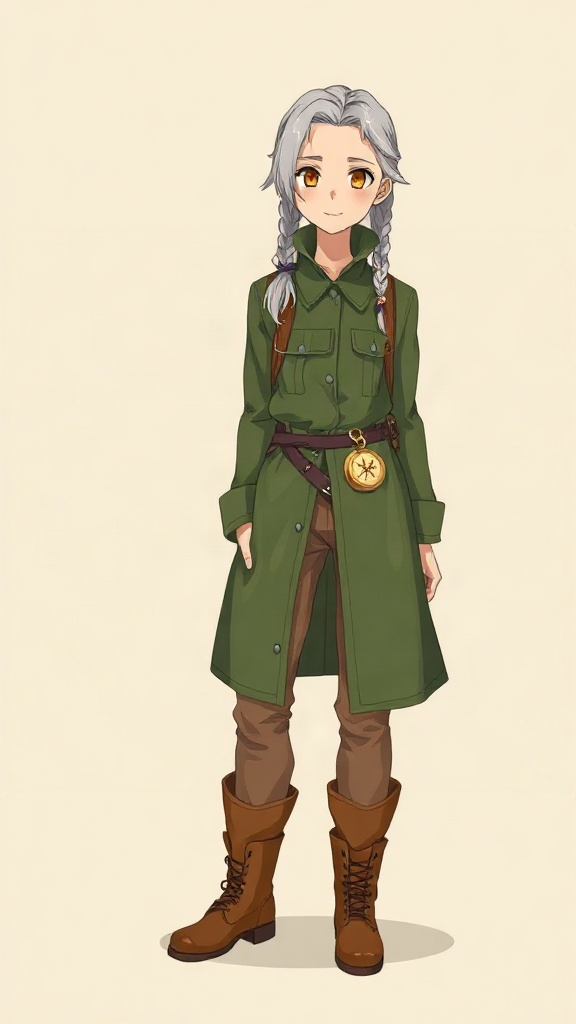
Full-body anime cartographer with silver braids, a green coat, boots and a brass compass

The forest cartographer

Silver braids, a traveling coat, a brass compass. An adventurer with a world to discover.

View the character prompt

An original adult forest cartographer with silver braids, amber eyes, a moss-green traveling coat, brown trousers and worn brown boots. A tiny brass compass hangs from the belt.

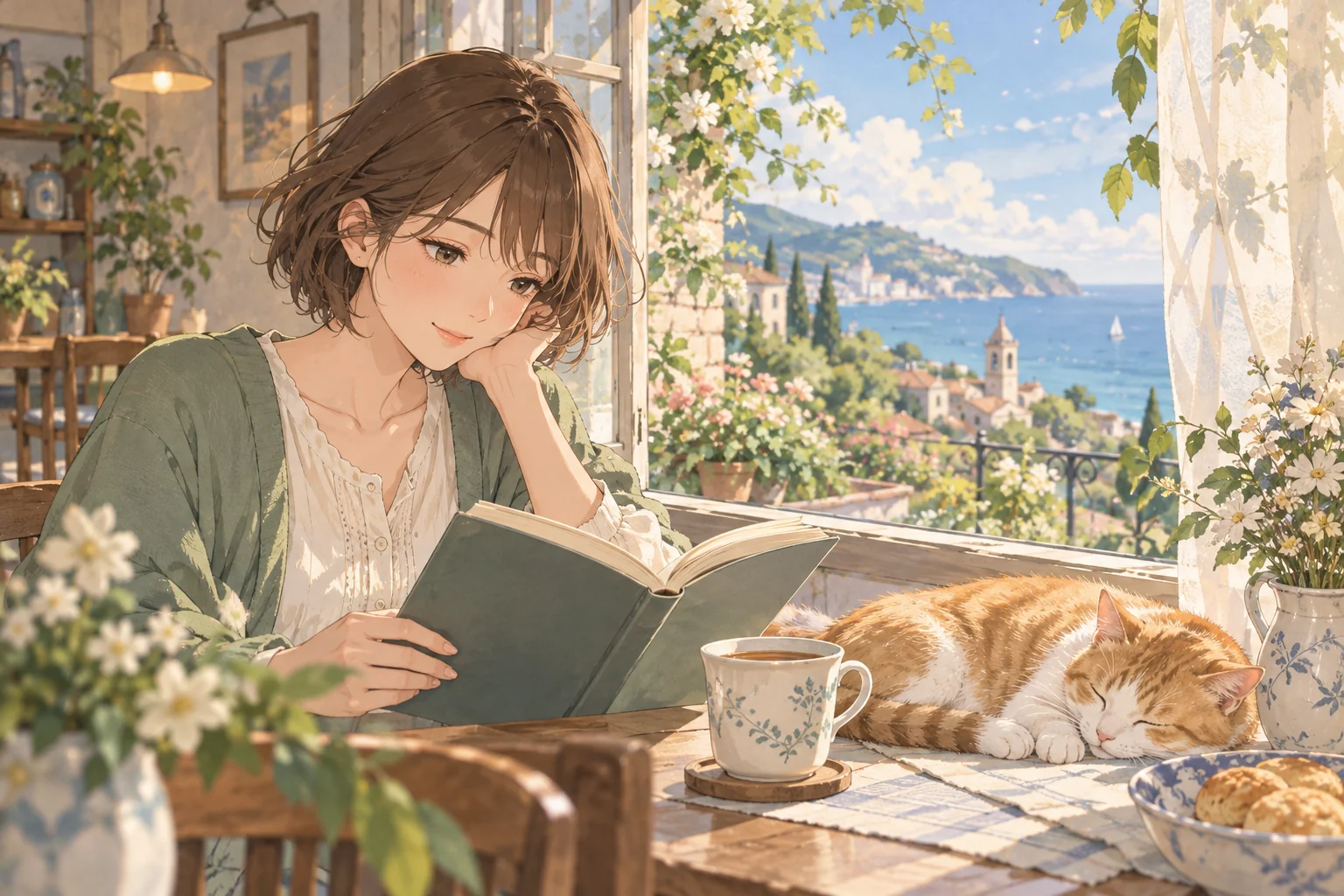
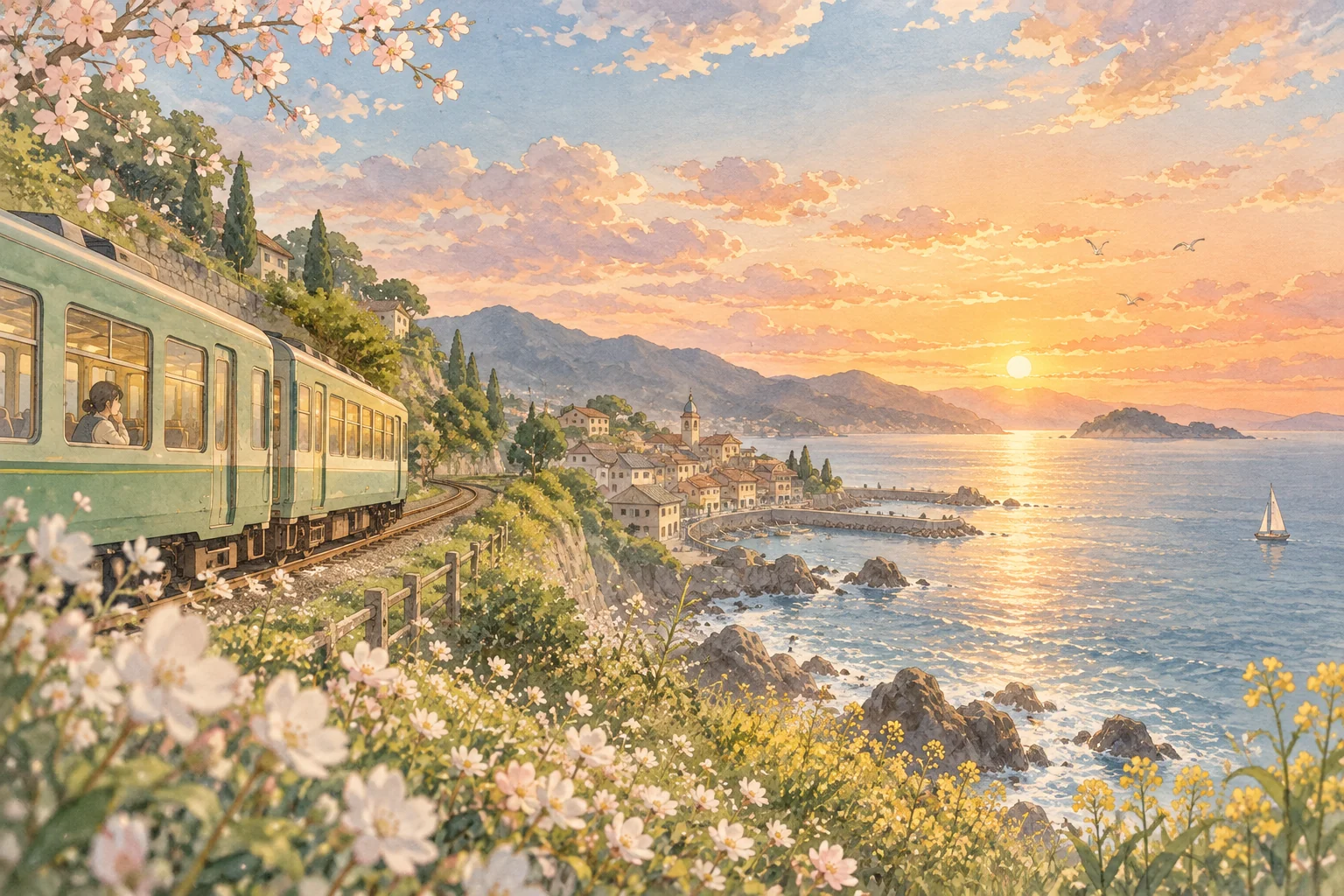
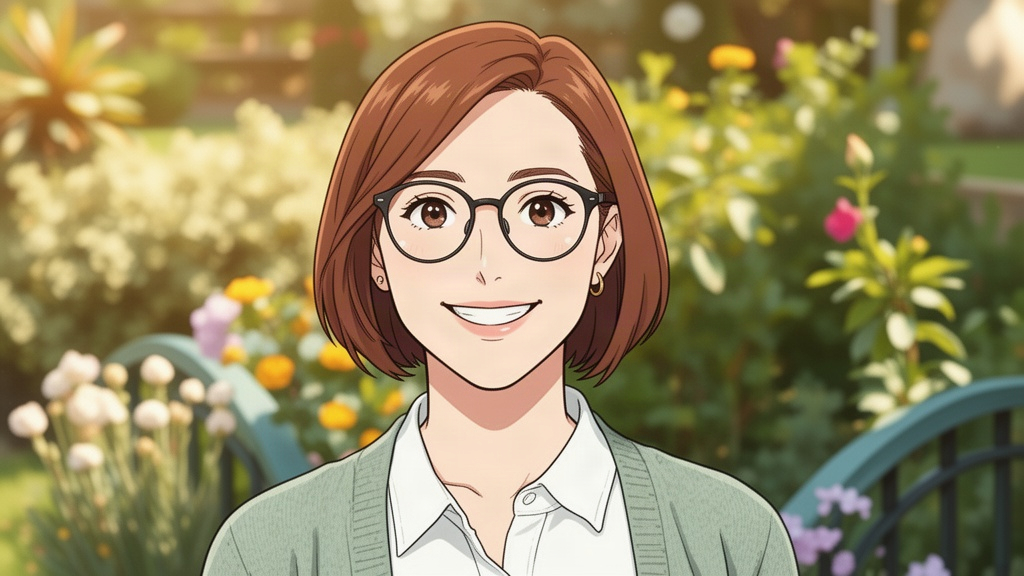
Original anime character with a chestnut bob and sage cardigan reading by a seaside window

The seaside reader

A chestnut bob, a sage cardigan and a favorite book. A quiet character with a curious mind.

View the character prompt

An original young adult anime reader with a short chestnut bob, hazel eyes, a sage cardigan over a cream blouse and a favorite book. Thoughtful and curious, warm summer light and delicate linework.

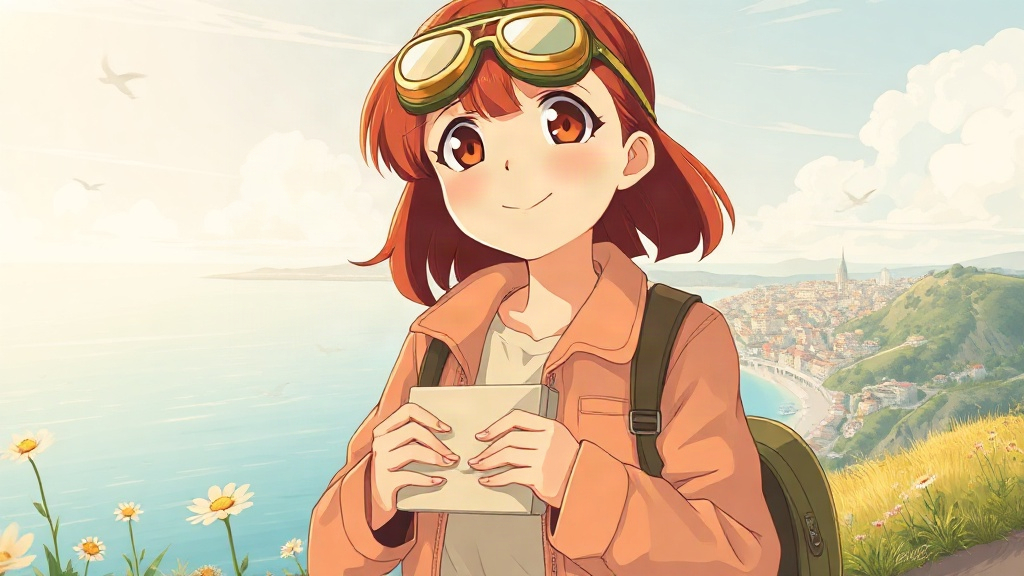
Anime messenger with auburn hair, brass goggles and a letter overlooking the sea

The sky messenger

Brass goggles, an auburn bob and a letter to deliver. A bright start to a new adventure.

View the character prompt

An original adult anime sky messenger with an auburn bob, amber eyes, brass goggles on the head, a terracotta flight jacket, a dark green backpack and a letter in both hands. Warm light, hopeful expression, coastal atmosphere.

Meet every side
of your character.

Concept examples for turnarounds and expression sheets. Start with a prompt and explore your own design.

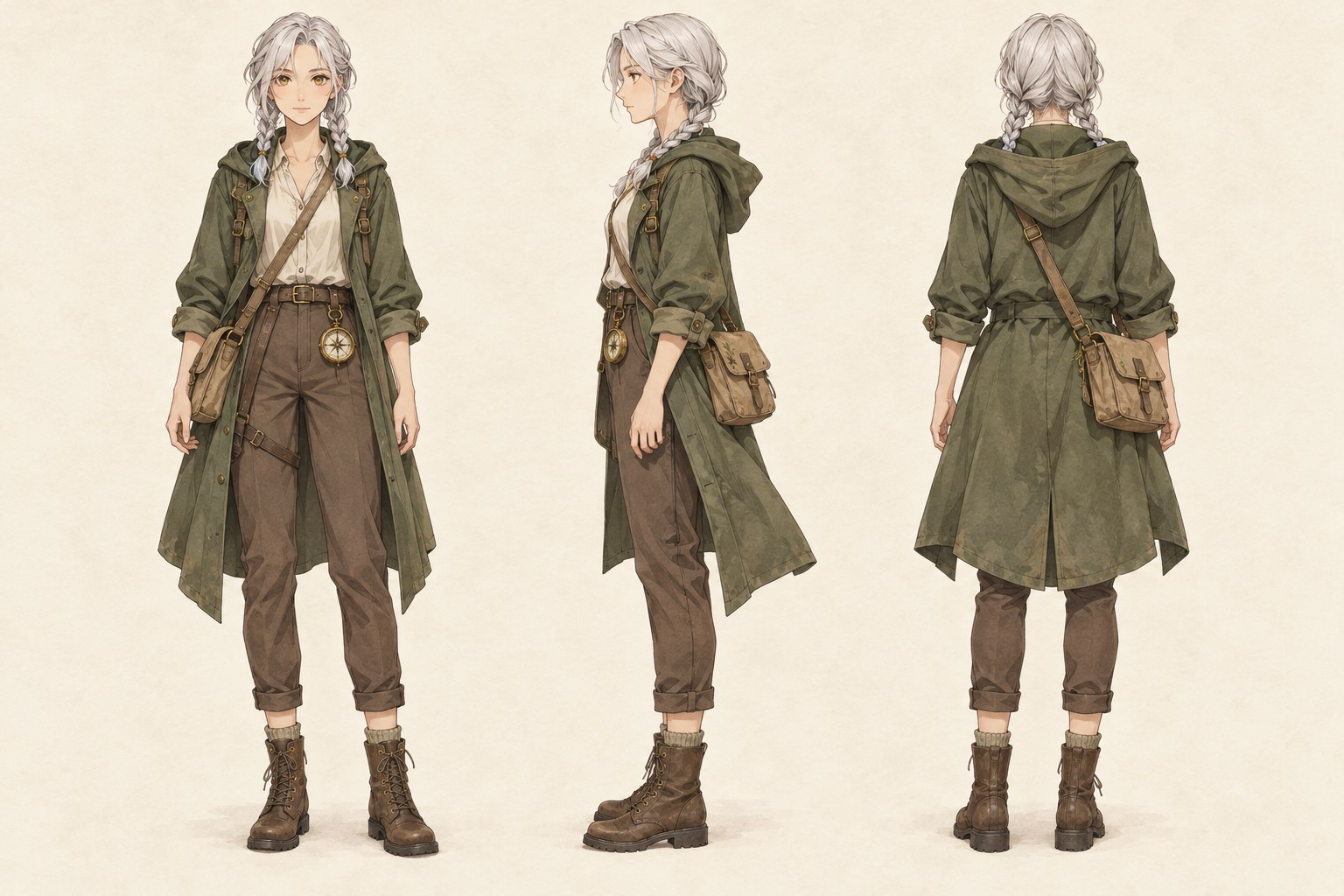
Concept sheet of a silver-haired forest cartographer shown from the front, side and back

One design. Three perspectives.

Explore the silhouette, outfit and accessories from front, side and back. Check the details across views before using a sheet as a reference.

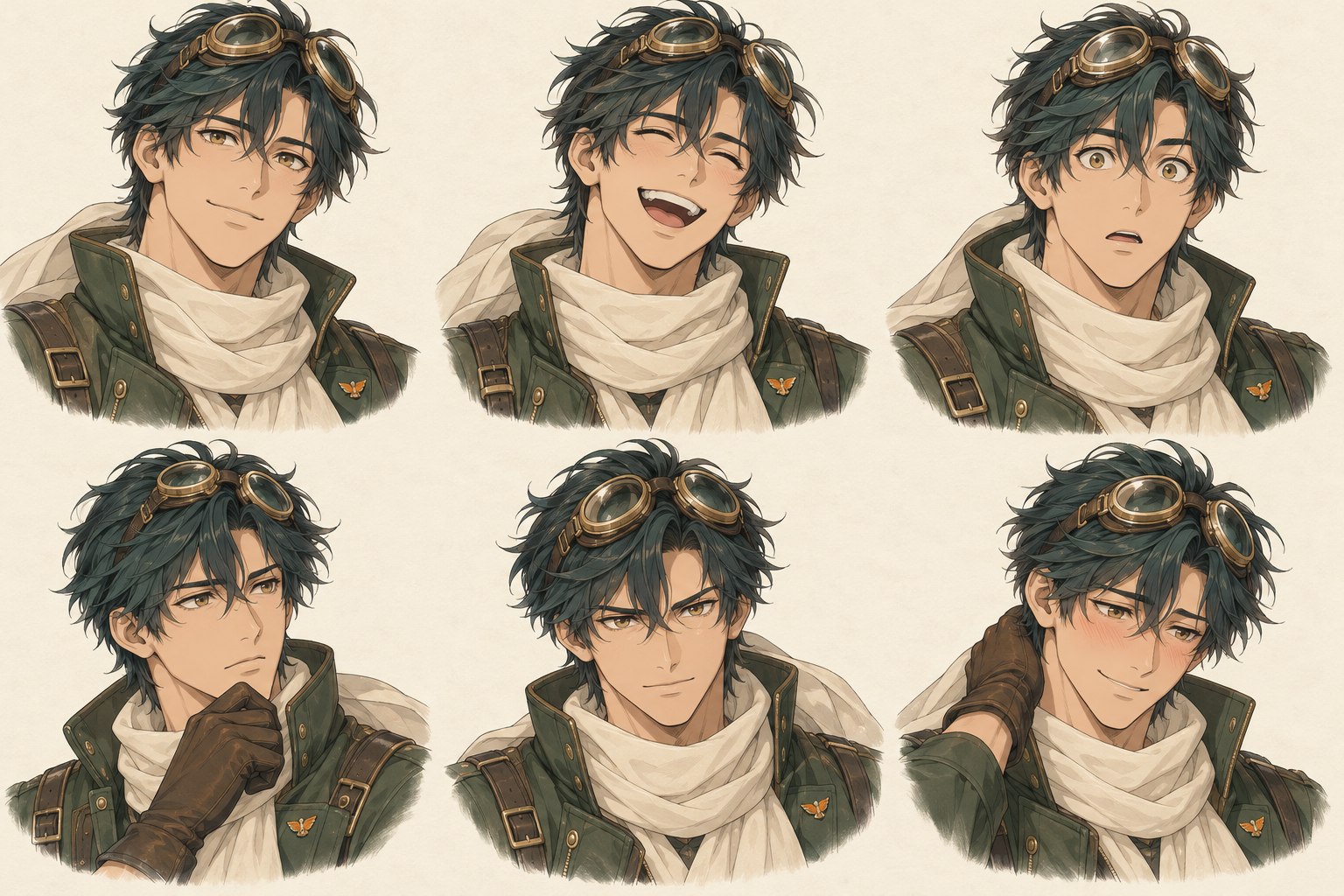
Six expressions of an original anime pilot with dark teal hair, brass goggles and a cream scarf

Same character. Different feelings.

A smile, surprise, a moment of determination. Explore six expressions while keeping the defining features in your prompt.

From a character idea to an anime design.

01

Describe your original character

Start with their role, hair, eyes and outfit. Add one memorable detail, such as brass goggles or a star-shaped pin. A reference image can replace the written description.

02

Choose the character output

Create a portrait for an avatar, a full-body design, a three-view turnaround or six expressions. Choose an anime style and adjust the background, pose or expression where available.

03

Generate and make it yours

Review the model and credit cost, then generate your image. Download a version you like, use it as a reference for another design, or choose Animate this image to add motion.

Small details.
Unmistakably yours.

A clear role, a distinctive look, one memorable detail. That is a good place to begin.

An adult forest cartographer with silver braids, amber eyes, a moss-green traveling coat and worn brown boots. A tiny brass compass hangs from the belt.

FAQs about AI Anime Character Generator

How do I create an anime character with AI?

Describe your character or upload a reference, choose an output and an anime style, then generate. Maxsa AI creates an image from your instructions; it does not assemble a fixed set of avatar parts.

Can I make an original character without drawing?

Yes. Describe an original character’s appearance, clothes and personality in everyday language. You can start with an example and change the details to make your own OC.

Do I need a reference image or a prompt?

Use either a written character idea or a reference image. When a reference is attached, additional directions are optional. Supported reference formats are JPG, PNG and WebP, up to 10 MB.

Can I generate a full-body anime character?

Choose Full body. The tool selects a vertical frame and asks for the complete character from head to toe. Describe the shoes and pose as well as the outfit, and check the result for cropping.

What do turnaround and expression sheets include?

Turnaround requests front, side and back views on one image. Expressions requests six views of the same face on one image. These are generated concepts, not separate layers or a rigged model. Details can vary between views; review them before using the sheet as a production reference.

Will the character look exactly the same in every image?

A reference and repeated defining details help guide the design, but exact identity is not guaranteed. Keep the same hairstyle, outfit and colors in your instructions, and review faces, accessories and proportions after each generation.

Is the anime character generator free?

You can explore the tool and examples without paying. Generating requires sign-in and enough credits for the selected model. The cost is shown before you start; available plans are on the pricing page.

Can I animate the character I create?

Yes. Choose Animate this image on a completed image to use it as the starting frame for a short video. Animation uses additional credits. Start with a portrait or full-body image rather than a multi-view sheet.

My generation is stuck or failed. What should I do?

Check the task status and give a queued job time to finish before starting another generation. If it stays stuck, email support@maxsa.ai with the tool name, approximate time, task ID if available, and a screenshot of the error. Please do not send passwords, sign-in codes or API keys.

How can I contact Maxsa AI?

For account access, generation issues, billing questions or feedback, email support@maxsa.ai. Include the email used for your account and a short description of what happened. Our contact page explains which details help us investigate.

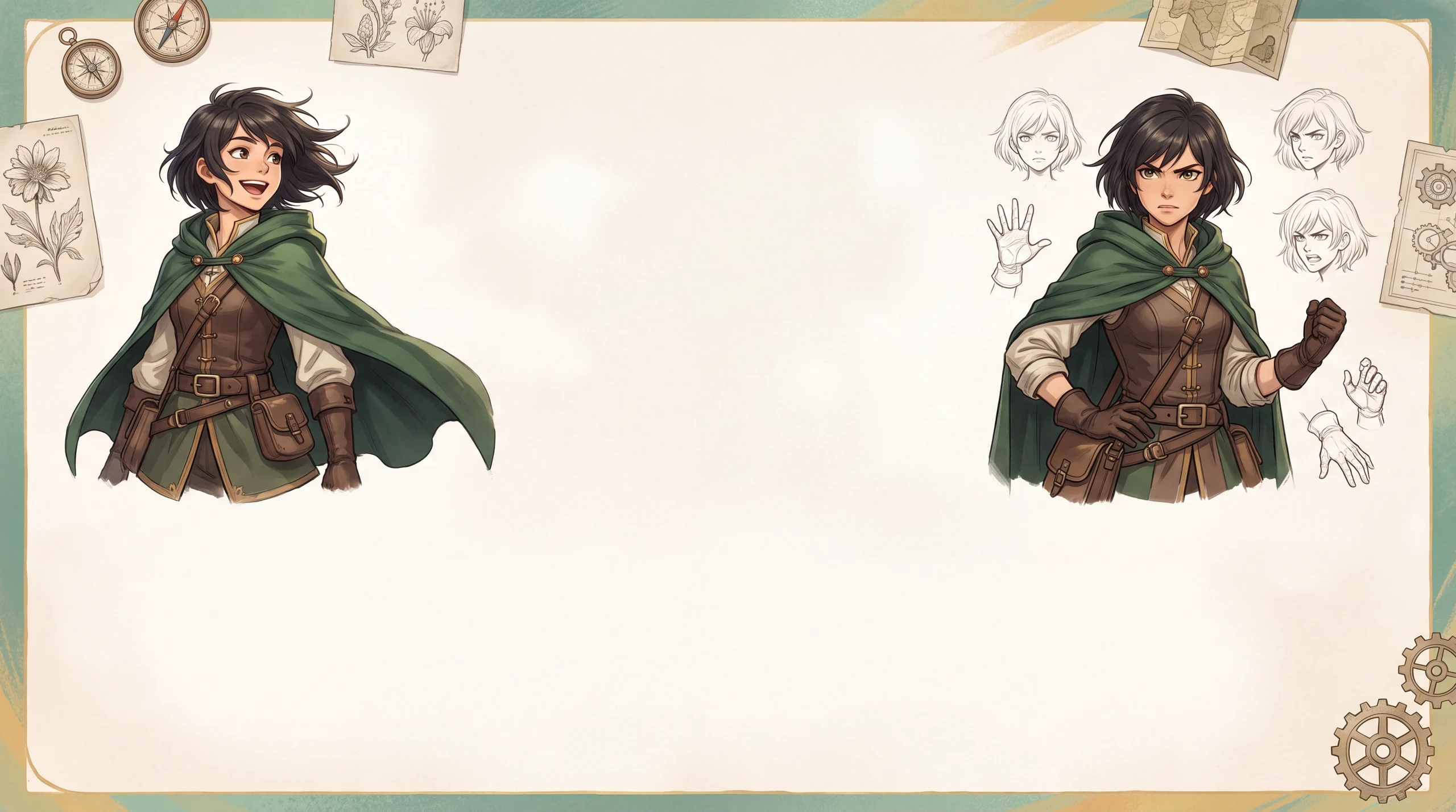
You know their story.Give them a face.

From a signature outfit to a telling expression, create an original character that feels like yours.

Create my character

Maxsa AI

Welcome back.

Sign in to your creative home.

Continue with Google
or continue with email
New to Maxsa AI? Create an account