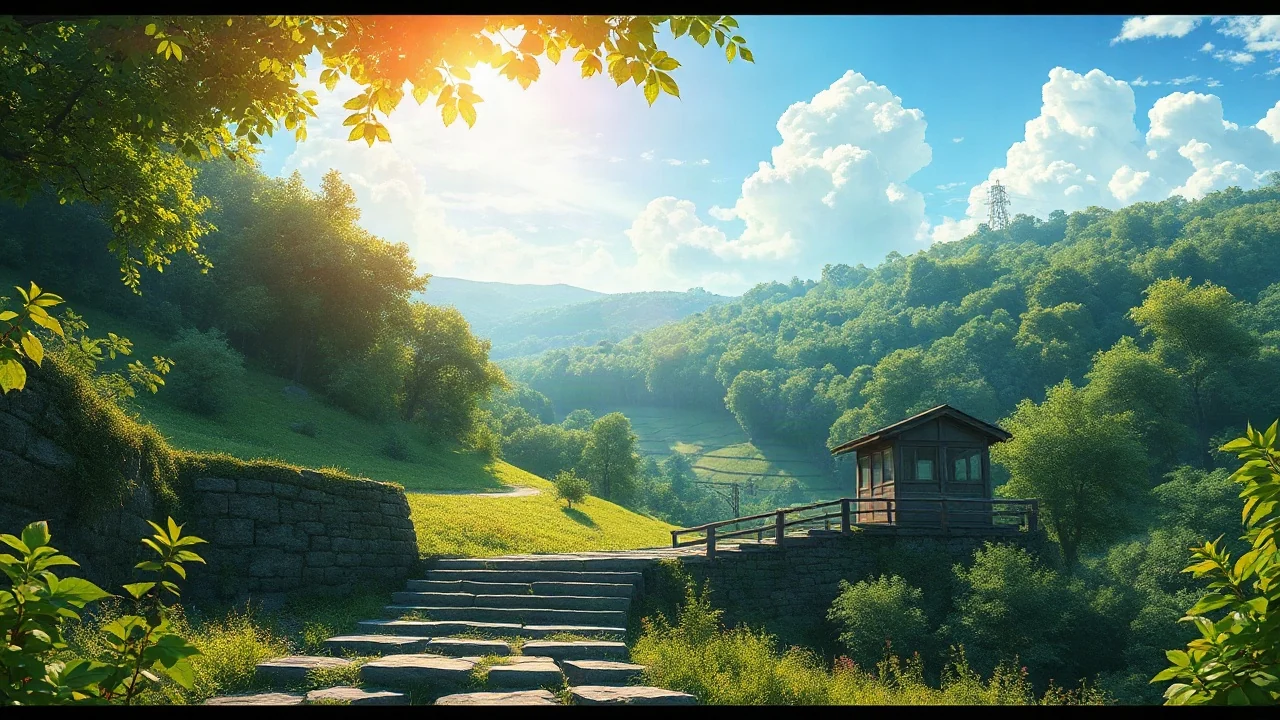
Start with your image
Upload a reference image. Add a motion description only if you want a specific action.

A little motion can tell a whole new story.
Decide what moves, what stays, and how the camera sees it.
Choose a scene. Its reference and motion prompt come with it.
Upload a reference image. Add a motion description only if you want a specific action.
Try drifting clouds, a small smile, or a slow camera move. Generation creates a short 4.3-second silent preview.
Generate your clip, watch it in the studio, and download the result. Use the Agent to plan a more detailed shot first.
Need a hand?
support@maxsa.ai
Yes. Describe a portrait, product, landscape, or illustration and select a matching style. This tool supports general visual content, including anime.
Yes. The Agent can use your reference to plan the motion. To generate a clip, upload an image and choose the camera and movement settings; a motion prompt is optional. JPG, PNG or WebP files can be up to 10 MB.
Yes. Add an image, choose the camera and movement settings, and select Generate clip. A prompt is optional. The short silent result appears below and can be downloaded. The image determines the output frame; full editing and audio are not included.
Check the task status and give a queued job time to finish before starting another generation. If it stays stuck, email support@maxsa.ai with the tool name, approximate time, task ID if available, and a screenshot of the error. Please do not send passwords, sign-in codes or API keys.
For account access, generation issues, billing questions or feedback, email support@maxsa.ai. Include the email used for your account and a short description of what happened. Our contact page explains which details help us investigate.