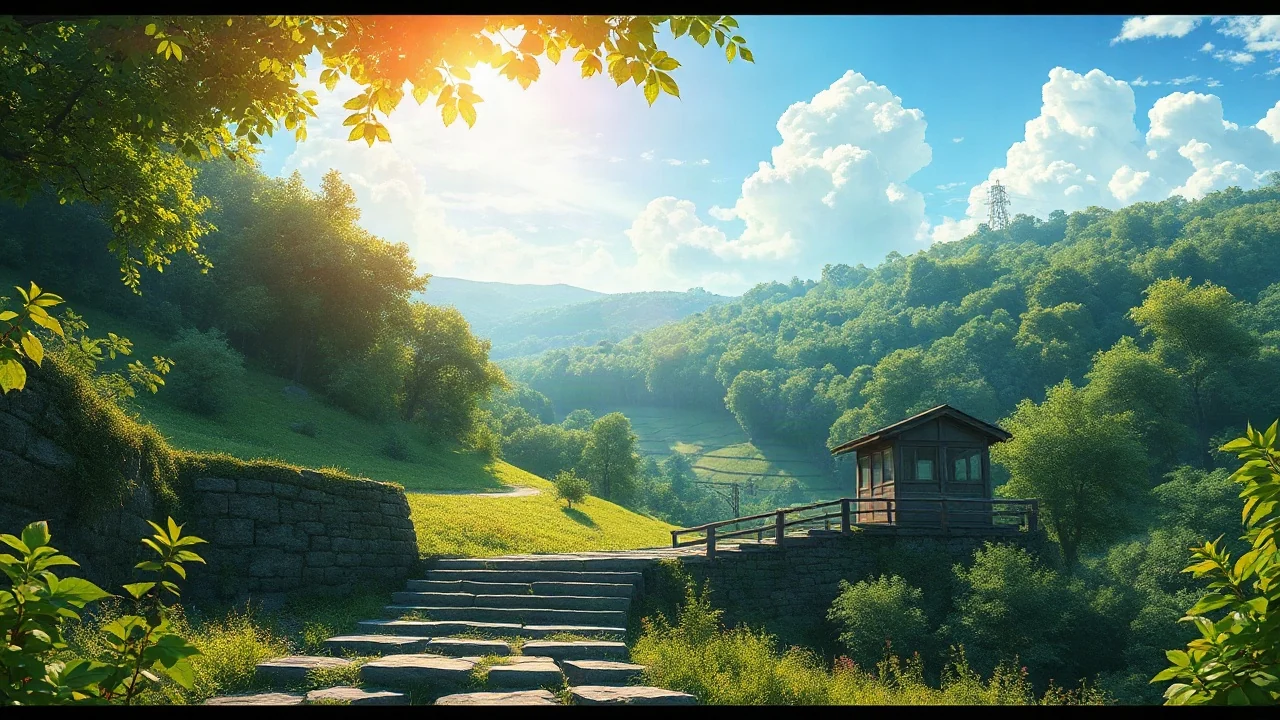
Anime is our starting point.
Soft anime, manga ink, chibi and 3D cartoon. Explore a focused set of visual directions, with prompts that speak the same creative language.
Find your style
Maxsa is your AI studio for anime, manga & cartoons.
Create images, transform photos, and bring a scene to life.
Find a spark. Peek at the prompt. Make it yours.
Maxsa is a creative space for anime, manga and cartoons. Make original images, reimagine a photo, plan a comic or story, and turn an illustration into a moving scene.
Make something of your own
Focused tools and thoughtful starting points for anime, manga and cartoon creation.
Soft anime, manga ink, chibi and 3D cartoon. Explore a focused set of visual directions, with prompts that speak the same creative language.
Find your styleShape a comic idea into panel descriptions, dialogue and visual prompts. Plan the reveal, the reaction and the little details between them.
Plan a comicWork on a silhouette, a signature outfit or a telling expression. Use a reference for image transformations and build a detailed character brief.
Meet your characterTurn a small premise into a script and scene plan. For children’s stories, choose an age group to guide the language and tone.
Shape a storyA breeze through the leaves. Clouds passing a window. Add gentle motion to an illustration with a short, silent animated clip.
Add a little motionEvery example comes with a prompt you can make your own. Relevant tools also bring the reference image along, so you can keep exploring.
Explore the ideasA quiet café above the sea. Warm light on a wooden table. Start with a feeling, then give it a little world to live in.
 The world builder
A rainy arrival, a surprised glance, a small reveal. Shape three little moments into a comic that says more than words alone.
 The comic storyteller
Curtains catching the breeze. Clouds passing a window. Turn one still illustration into a few seconds worth lingering in.
 The motion maker
Oversized sleeves, a chipped teacup, a crooked smile. Give a character a few unmistakable details and a story can begin.
 The character dreamer
Soft greens and warm afternoon light. Take a familiar photo somewhere unexpected, one color, one mood, one little idea at a time.
 The weekend artist
A rabbit afraid of the dark meets a firefly who has lost its glow. Plan a gentle adventure about finding courage together.
 The bedtime storyteller
Explore our credit packages, from a first experiment to a regular creative practice.
Need a hand?
support@maxsa.ai
Maxsa is an AI studio focused on anime, manga and cartoons. Create original images, transform photos, animate a still into a short clip, or use the Agent to plan characters, comic panels and stories.
No. Describe a subject, setting and mood, then choose a style. You can also start with a gallery example and adapt its prompt. A simple, specific idea is often the easiest place to begin.
The studio can generate images, transform a reference image, and create a short silent video clip. The Agent writes scripts, character briefs, comic panel descriptions and scene plans. Complete multi-scene films, voiceovers and music are not assembled automatically in the current preview.
Yes. Choose Photo to Cartoon and upload a JPG, PNG or WebP up to 10 MB. Use a clear image that you own or have permission to use. Choose a style and generate; extra directions are optional.
Commercial use depends on the selected model’s terms and the rights in your inputs. A paid plan does not clear copyright, trademark or likeness rights. Check the content rights section; email support@maxsa.ai if you need help identifying the model used for a result.
Choose a monthly plan or a one-time credit pack on the Pricing page. Each generation shows its credit cost before you confirm. Failed tasks return reserved credits. Free generation credits are not currently offered; you can explore the examples and tools before purchasing.
Sign in to find your recent generations and download from each result card. Account records and generated media are saved in private cloud storage. Download a copy of work you want to keep; the current release does not include a project or series workspace.
Check your email address and spam folder. Wait for the resend countdown before requesting a new code, then use the newest code within 10 minutes in the same browser. If it still does not arrive, contact support@maxsa.ai from your account email. Never include the code itself.
Check the task status and give a queued job time to finish before starting another generation. If it stays stuck, email support@maxsa.ai with the tool name, approximate time, task ID if available, and a screenshot of the error. Please do not send passwords, sign-in codes or API keys.
For account access, generation issues, billing questions or feedback, email support@maxsa.ai. Include the email used for your account and a short description of what happened. Our contact page explains which details help us investigate.